
Every Program Home page or Content Page includes one or more content blocks providing information about the program.
Example: Turtle Creek Chorale
Each content block has two main features:
- A card or content area on the page.
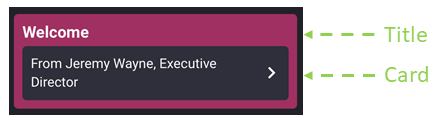
- This content block may or may not have an action tied to it. Learn more about the different action options.
Content Block Elements
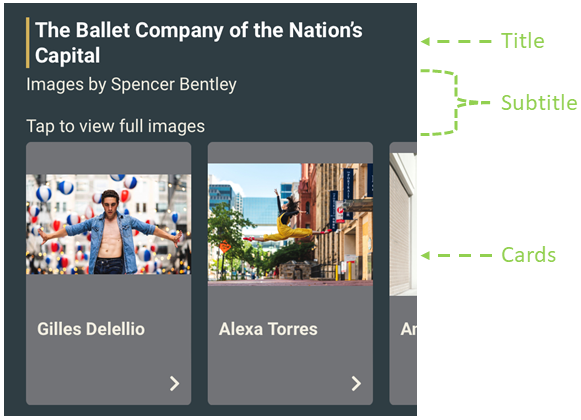
Example: The Washington Ballet
A content block has many possible elements. In the table below, elements marked with an asterisk (*) are required. All other elements are optional.
| Content Block Element | Description |
|
Internal Name* |
Use to identify a specific content block. |
|
Visible |
This toggle allows you to hide or show the content block. |
|
Title |
Main text above the content block's content. |
|
Subtitle |
Text below the content block's Title. |
|
Style |
There is no special styling by default. Selecting the Spotlight style enables you to add a background color to the content block.
|
|
Type |
A content block's Type determines how its content will be displayed. See Content Blocks. |
|
Cards |
A single card or a list of cards that is displayed on the Program Home screen and Content Pages. See Content Types for the Card options. |
