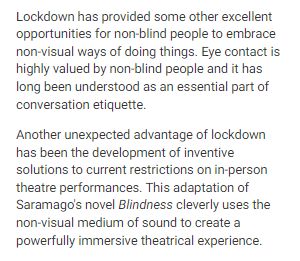
When creating a Content Block for the Program Home page or a Content Page, you will be prompted to select a Content Block Type from seven possible options.
| Content Block Type | Description | Example |
|
Text Card |
 |
|
|
Thumbnail Card |
A Card with an image and text. Only 1 Action. Options
** Must include either the Card Title or Card Description. |
|
|
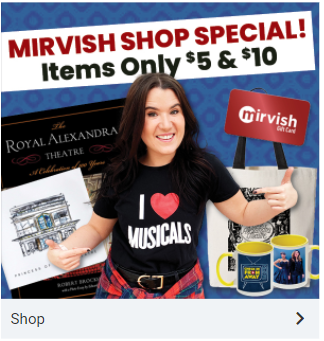
Image Card |
A full width image with optional text. Only 1 Action. Options
Note: Example on the right uses "Shop" in the Card Description. It does not use a Card Title. |
 |
|
Vertical List |
Group of Cards in a vertical list orientation. Options for each item
** Must include either the Card Title or Card Description |
|
|
Horizontal List |
Group of Cards in a horizontal list orientation. Options for each item
** Must include either the Card Title or Card Description |
|
|
Text List |
Group of text items in a vertical list orientation. Options for each item:
* Must include either the Title or Description. |
|
|
Custom |
Block of content created using our editor. No Cards. The only Action happens if you add a link in the editor. Options include:
|
|