When creating a Content Block, you may be prompted identify an Action. This defines what happens when someone taps that Card in the Block.
There are three types of Actions.
| Action Type | Description | Example |
|
None |
No action taken when user taps the card item. |
|
|
Go To URL |
Opens a url. |
|
|
Send Text Msg |
Allows users to send you text messages |
|
|
Call |
Allows users to call you |
|
|
Send Email |
Allows users to send you an email |
|
|
New Page |
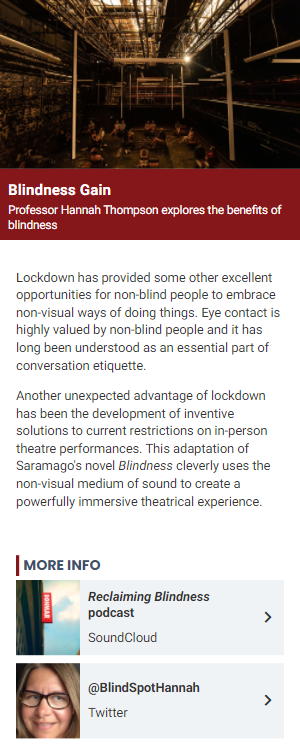
Goes to a page that you create. See Content Page. Includes:
|
 |
|
Copy Page From Any Program |
This allows you to copy any page from any program in your Control Panel, even if that page has multiple content blocks. |
|
|
Link To Page In This Program |
This allows you to link to any other page within the same program. |