
Design
You can set the following variables to customize the look of your digital program.
| Design | Description | Default in Example |
|
Page background color |
Main background color. |
White
|
|
Page text color |
Text color on top of the background. |
#333 (almost black)
|
|
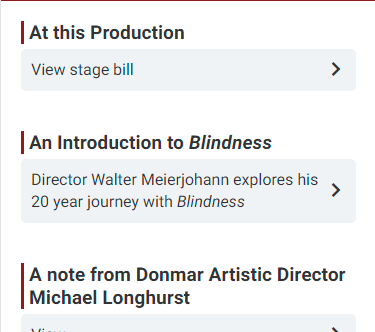
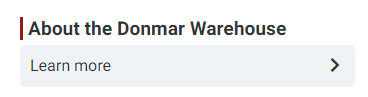
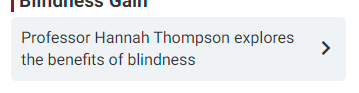
Card background color |
Color of the background for a card. |
#f0f3f6 (light gray)
|
|
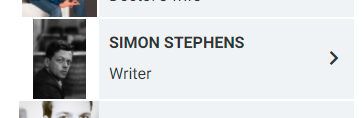
Card image background color |
Color of the background for an image on a card. Visible when the card is using Contain for the Image Size. |
White
|
|
Card rounded corners |
How much the corner of cards are rounded. |
5px
|
| Title color of Text List item |
Color of the title text of a Text List item. |
Dark Red
|
|
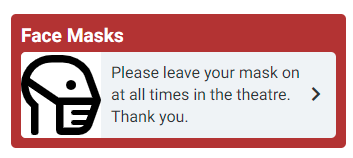
Spotlight background color |
Background color of the block Spotlight style. |
#a62f31 (dark red)
|
|
Spotlight text color |
Text color on top of the Spotlight style. |
White
|
|
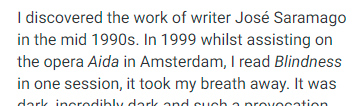
Link color |
Color of hyperlinks. |
#851619 (dark red)
|
|
Font families |
Font used throughout the program. |
Roboto
|

Custom CSS
Additionally, you can write Custom CSS that will be injected into the digital program.
- This allows you to do advanced customization.
- However, it requires HTML/CSS knowledge.